How to Create & Make Custom DJ Drops for Free (Step-by-Step Guide)
How to Create & Make Custom DJ Drops for Free (Step-by-Step Guide)
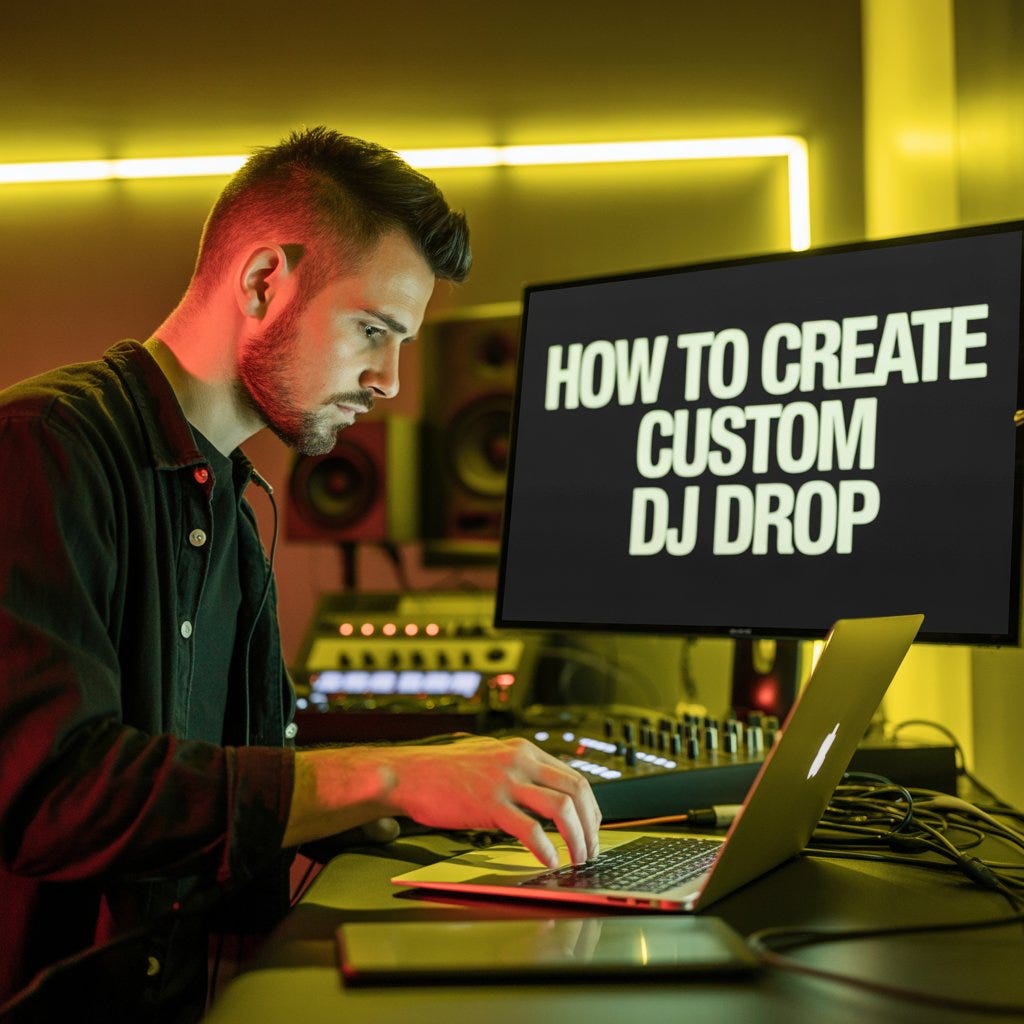
In today’s competitive DJ world, having a unique DJ drop is not just an option — it’s a necessity for your Dj Branding and Business. A DJ drop is your sonic signature, the audio branding that makes you instantly recognizable on the decks. Whether you’re spinning at clubs, weddings, or live streams, the right DJ drop can make your set sound more professional and unforgettable memories in your Audience mind.
while I teach you how make custom Dj, The good news about this is? You don’t have to spend hundreds of dollars to get one. In this guide, I’ll walk you through how to create and make DJ drops for free — plus how to get a professional custom DJ drop if you want to take it to the next level.
Step 1: Understand What a DJ Drop Is
A DJ drop is a short audio clip (usually 4–10 seconds) that announces your DJ name or slogan in a unique style. It’s usually voiced by a narrator, vocalist, or even an AI voice, and layered with sound effects, reverb, or music stingers.
Examples include:
- “You’re in the mix with DJ [Your Name]…”
- “DJ [Your Name] — bringing the heat!”
Step 2: Plan Your DJ Drop Script
Before recording, write down exactly what you want your drop to say. Keep it short, catchy, and easy to remember.
A few tips:
- Keep it under 10 seconds for maximum impact.
- Use energetic and memorable words.
- Include your DJ name clearly.
Example scripts:
- “DJ Don Genius… The Party Starter!”
- “Vibes Only… Powered by DJ Don Genius!”
Step 3: Use a Free AI Voice Generator
Here’s the exciting part — you can create your DJ drop completely free using a high-quality AI voice generator.
One of the best tools for this is ElevenLabs, which lets you create natural-sounding voices with professional clarity.
👉 Click here to create your free custom DJ drop now:
With ElevenLabs, you can:
- Choose from multiple voice styles (deep, energetic, smooth, etc.).
- Add emotion and emphasis for a real announcer feel.
- Export your drop in seconds.
Step 4: Add Sound Effects & Music
After generating your voice, use free audio editing tools like Audacity or Soundtrap to spice it up:
- Add a bass drop or explosion effect(Click👉 Here To Download Sound Effect Here).
- Layer with a music bed for extra hype.
- Use reverb and echo for a club-ready sound.
Step 5: Export & Test Your DJ Drop
Save your DJ drop as an MP3 or WAV file. Play it over your set to make sure it blends perfectly with your mix. Adjust volume levels so it’s clear without overpowering your music.
Bonus Tip: Get a Fully Professional DJ Drop
While free tools are amazing, nothing beats the quality and energy of a professionally produced DJ drop with high-end effects and industry-standard mixing. If you want to stand out and impress clients instantly, you can order a tailor-made DJ drop from a pro.
🎯 Click here to order a professional custom DJ drop
A professional service will:
- Use studio-grade effects.
- Provide multiple voice options.
- Ensure your drop is perfectly mastered for clubs, radio, and streaming.
Why You Shouldn’t Wait
In the DJ business, branding is everything. Your music might be fire, but if people don’t remember your name, you’re missing out on gigs, followers, and loyal fans. A DJ drop helps you:
- Promote your DJ brand on every mix.
- Stand out from other DJs in your area.
- Get more client bookings because you sound pro.
Whether you choose the free DIY method or invest in a custom DJ drop, the important thing is to start now. Every mix you play without branding is a missed opportunity.
Final Word:
Start today — either create your own for free using this AI DJ drop tool or go all-in and order your professional custom DJ drop now. Your next big gig could depend on it.


Comments
Post a Comment